Feel right at home.
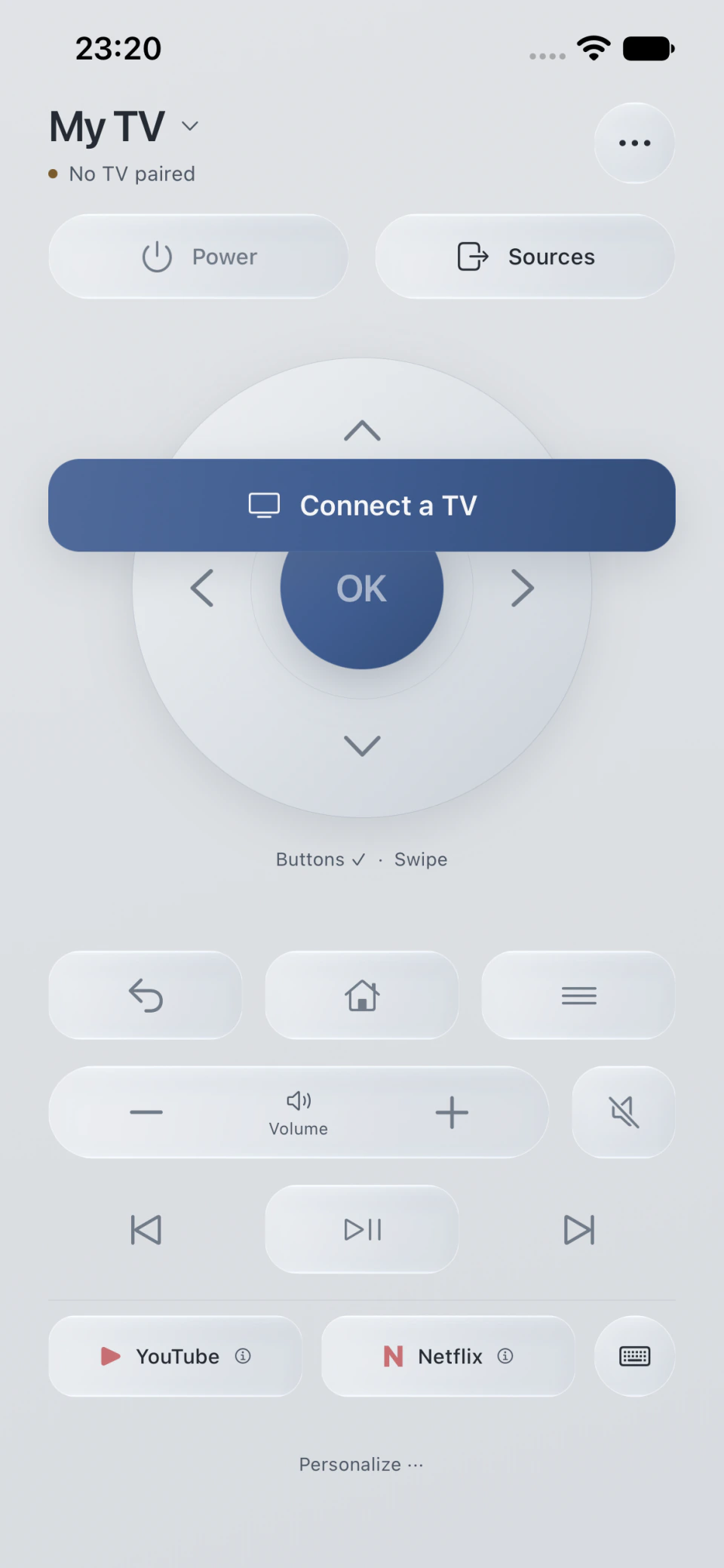
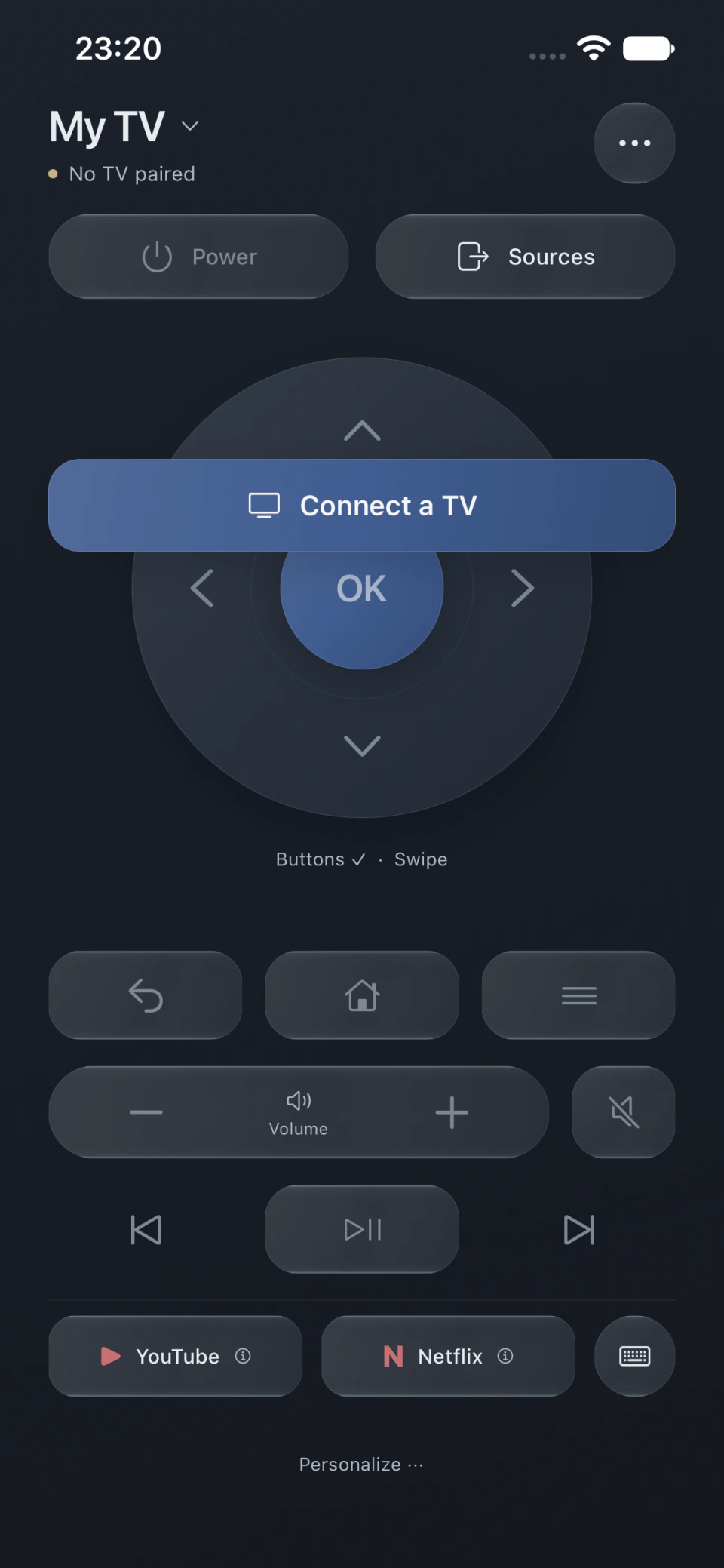
A familiar directional pad, volume and everyday controls, with room for your thumb.
TV STEWARD FOR IPHONE
The remote you already know, on the iPhone you always have close. Settle in and make yourself comfortable.
Android TV · Google TV
Samsung Tizen · LG webOS

Made for iPhone · iOS 18 or later
Made for the TV you already love
THOUGHTFULLY WITHIN REACH
A familiar directional pad, volume and everyday controls, with room for your thumb.
Open favourite apps, send text and reach TV inputs where your TV supports them.
Your iPhone talks directly to your TV on the same network. No desktop companion needed.
LIGHT OR DARK. ALWAYS FAMILIAR.
The depth of Night. The calm of Pearl. Two carefully considered appearances, with the same simple remote at the centre.
Connect your iPhone and TV to the same local network and allow Local Network access.
Choose an Android TV or Google TV device. For Samsung or LG, choose the TV platform and enter its local IP address.
Enter the code shown by Android TV, or approve the connection on your Samsung or LG TV.
The details, made simple.
TV Steward Mobile is designed for iPhone running iOS 18 or later.
No. The iPhone app connects directly to your TV and works independently of the Mac app.
Choose Samsung Tizen or LG webOS, enter the TV's local IP address and approve TV Steward on the TV screen. Both devices need to share the same local network.
Apps, favourites, text input and source controls depend on the connected TV. Samsung opens its source menu; supported LG inputs appear in a small source panel.

MAKE YOURSELF COMFORTABLE
Pick your companion. Put your TV within reach.
Mac and iPhone apps have separate store listings and purchase terms.