Find your way.
A familiar directional pad. The controls you reach for. Everything starts with a good remote.
GOOD EVENINGS START HERE
From your desk to your favourite spot on the sofa. Beautifully simple TV control, made for the device in your hand.
Android TV / Google TV · Tizen · webOS
Two independent apps. Each connects straight to your TV.
Less reaching.
More relaxing.
Made for the TV you already love
TV STEWARD FOR MAC
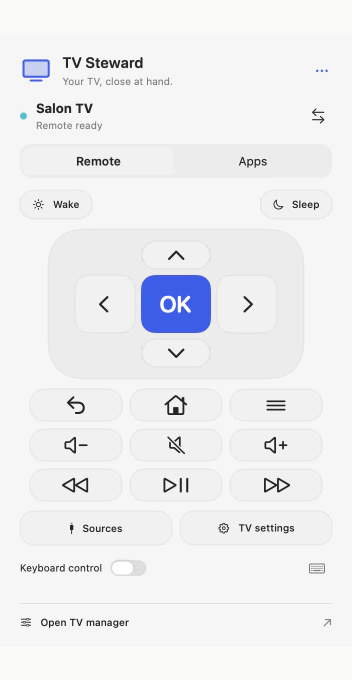
Keep a little space for your TV on your Mac. Change the volume, find a favourite app or type with a real keyboard — without breaking your flow.
TV STEWARD FOR IPHONE
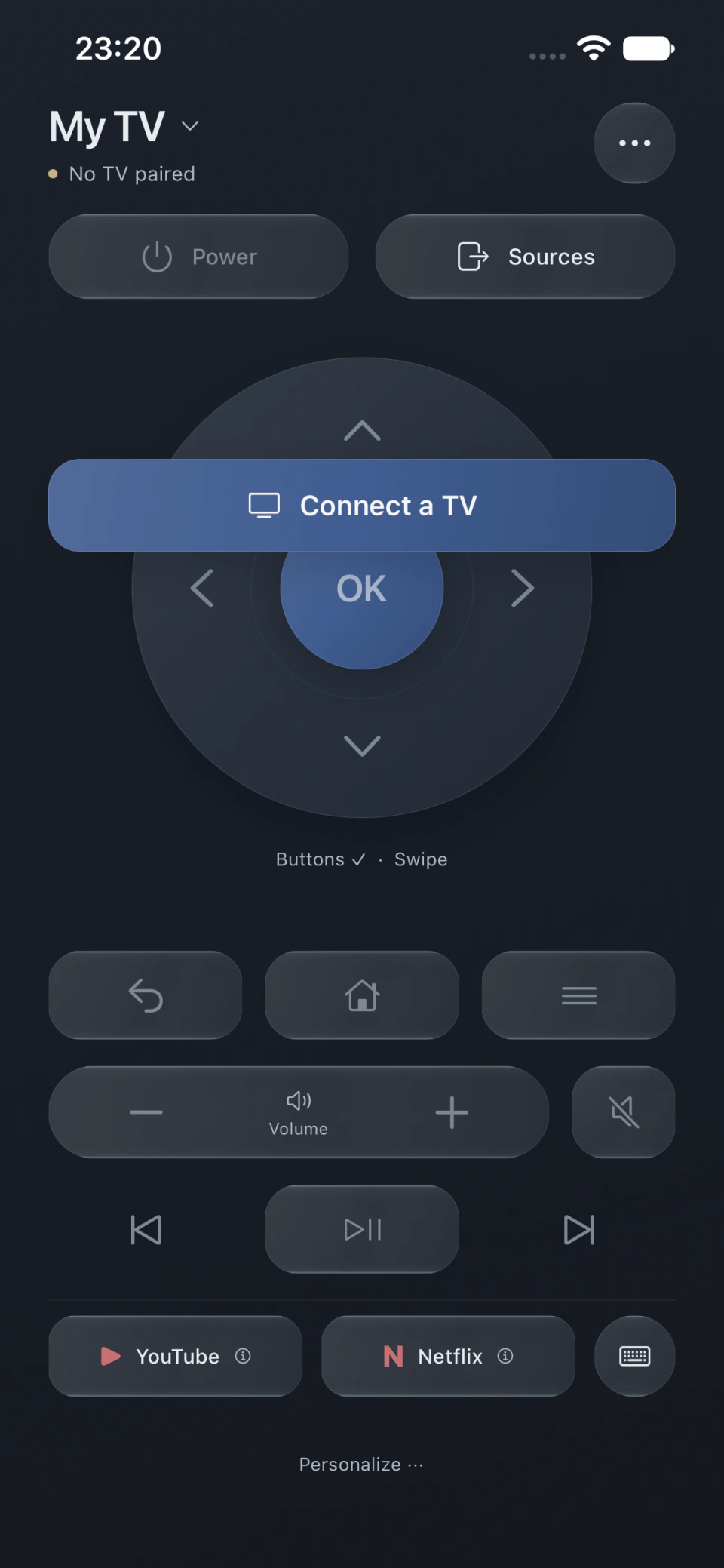
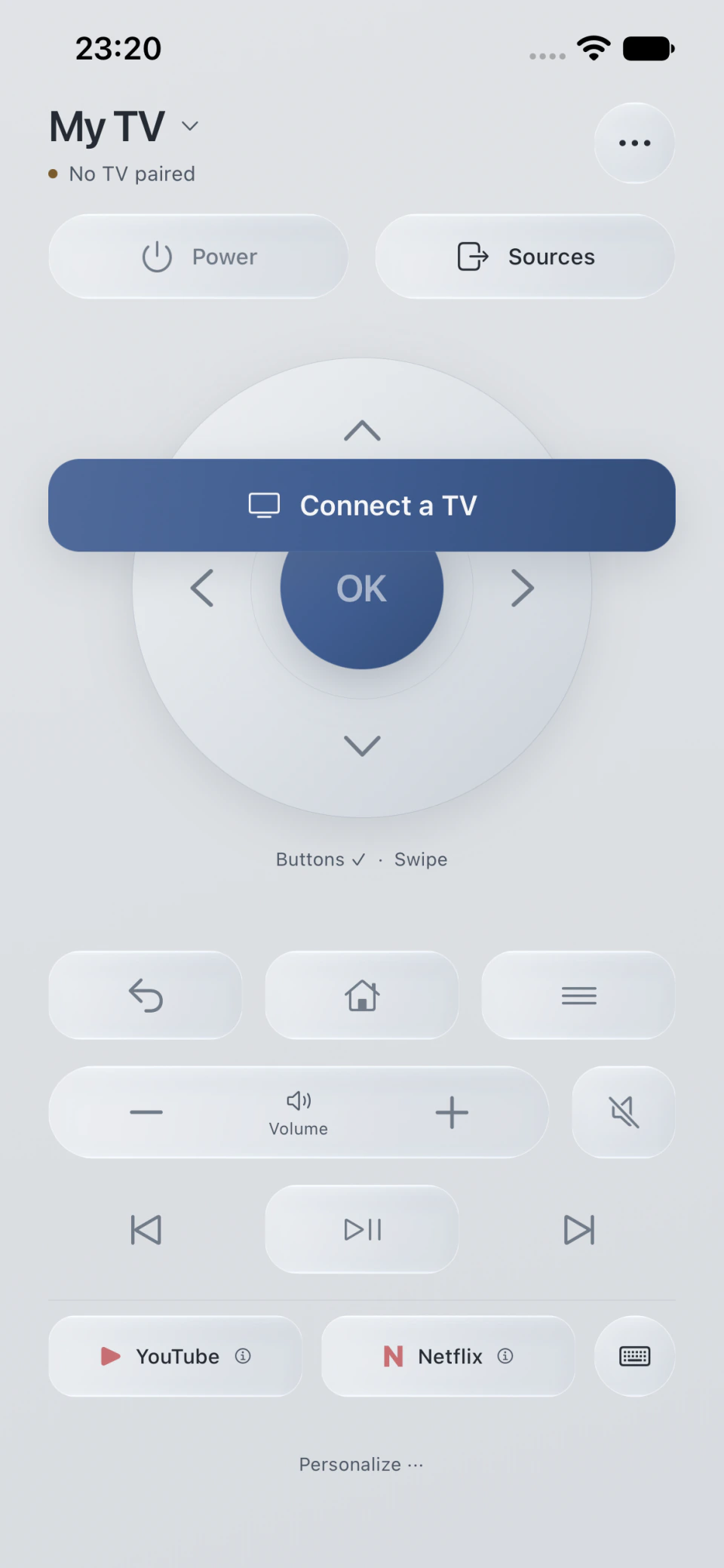
A familiar remote, thoughtfully made for your iPhone. Your everyday controls are right where your thumb expects them.
THE LITTLE THINGS, CONSIDERED
A familiar directional pad. The controls you reach for. Everything starts with a good remote.
Keep favourite TV apps close and open them on supported TVs.
Move to your console or another input using your TV's supported source controls.
Local network. Direct connection.
Your Mac or iPhone connects directly to your TV over your local network. No TV Steward account to create. No Mac needed to use the iPhone app.
Connect your TV and your Mac or iPhone to the same home network.
Select your TV or add its local address. Enter the TV code or approve the connection on screen.
Navigate, adjust the volume and enjoy the controls your TV supports.
The details, made simple.
TV Steward supports compatible Android TV and Google TV devices, Samsung TVs running Tizen, and LG TVs running webOS. Controls vary by model and firmware; the setup guides explain what each TV needs.
No. Mac and iPhone are separate, independent apps. Each connects directly to your TV over your local network.
The apps have separate store listings and purchase terms. Check each App Store page for the current offer.
TV Steward controls your TV. It does not provide streaming content or screen mirroring.

MAKE YOURSELF COMFORTABLE
Pick your companion. Put your TV within reach.

Mac and iPhone apps have separate store listings and purchase terms.